
Yes, Objective-C development works in VS Code, and both pure Objective-C projects and mixed Swift / Objective-C projects work. Install the free KXApp extension, open your Xcode project, and .m, .h and .swift files all get code completion and go to definition. Press ⌘R to build and run on a simulator or iPhone, set breakpoints in both Objective-C and Swift code, print objects with po, and see NSLog output right in VS Code. This guide covers the few settings mixed projects need and the common questions. Current as of October 2026, for Xcode 16 and later.
Before you start: Xcode is installed on your Mac and has been opened at least once, and the project builds normally in Xcode. If you haven’t installed the extension yet, follow the install page.
What can you do with Objective-C and Swift in VS Code?
| Feature | Objective-C | Swift | Notes |
|---|---|---|---|
| Code completion, go to definition, find references | ✓ | ✓ | Works for third-party framework headers too |
| Live errors | ✓ | ✓ | Build errors also go to the Problems panel |
| Breakpoints, conditional breakpoints, logpoints | ✓ | ✓ | On the simulator and on a real iPhone |
Debug console po, bt |
✓ | ✓ | po prints an object’s description |
| Log output | NSLog |
print |
Both in Output › kxapp Console |
| Unit tests | ✓ | ✓ | All XCTest cases are in the Test Explorer |
Step 1: How do you make .h files use Objective-C?
VS Code treats .h files as C++ by default. Code completion still works, but Objective-C syntax highlighting is off. Add this to your settings (JSON):
1"files.associations": { "*.h": "objective-c" }
Put it in your user settings, or in the project’s .vscode/settings.json to apply it to that project only.
Step 2: How do Swift and Objective-C call each other in a mixed project?
In a mixed project, code completion depends on the same two files it does in Xcode:
| Direction | Depends on | What to watch for in VS Code |
|---|---|---|
| Swift calling Objective-C | Headers #imported in the bridging header (<ProjectName>-Bridging-Header.h) |
After you edit the bridging header, completion in Swift files updates; if it doesn’t, build once with ⌘B |
| Objective-C calling Swift | The <ModuleName>-Swift.h header generated at build time |
This header only exists after a build. The first time you open a new project, the extension builds once in the background; after that finishes, #import "xxx-Swift.h" stops showing errors |
After adding Swift classes or methods for Objective-C to use (@objc), build once so Objective-C completion can see them.
Step 3: How do you run and debug with breakpoints?
- Click the scheme and run destination in the status bar and pick a simulator or a connected iPhone.
- Click left of a line number in a
.mor.swiftfile to set a breakpoint. - Press ⌘R. The extension builds, installs and launches the app, then attaches the debugger.
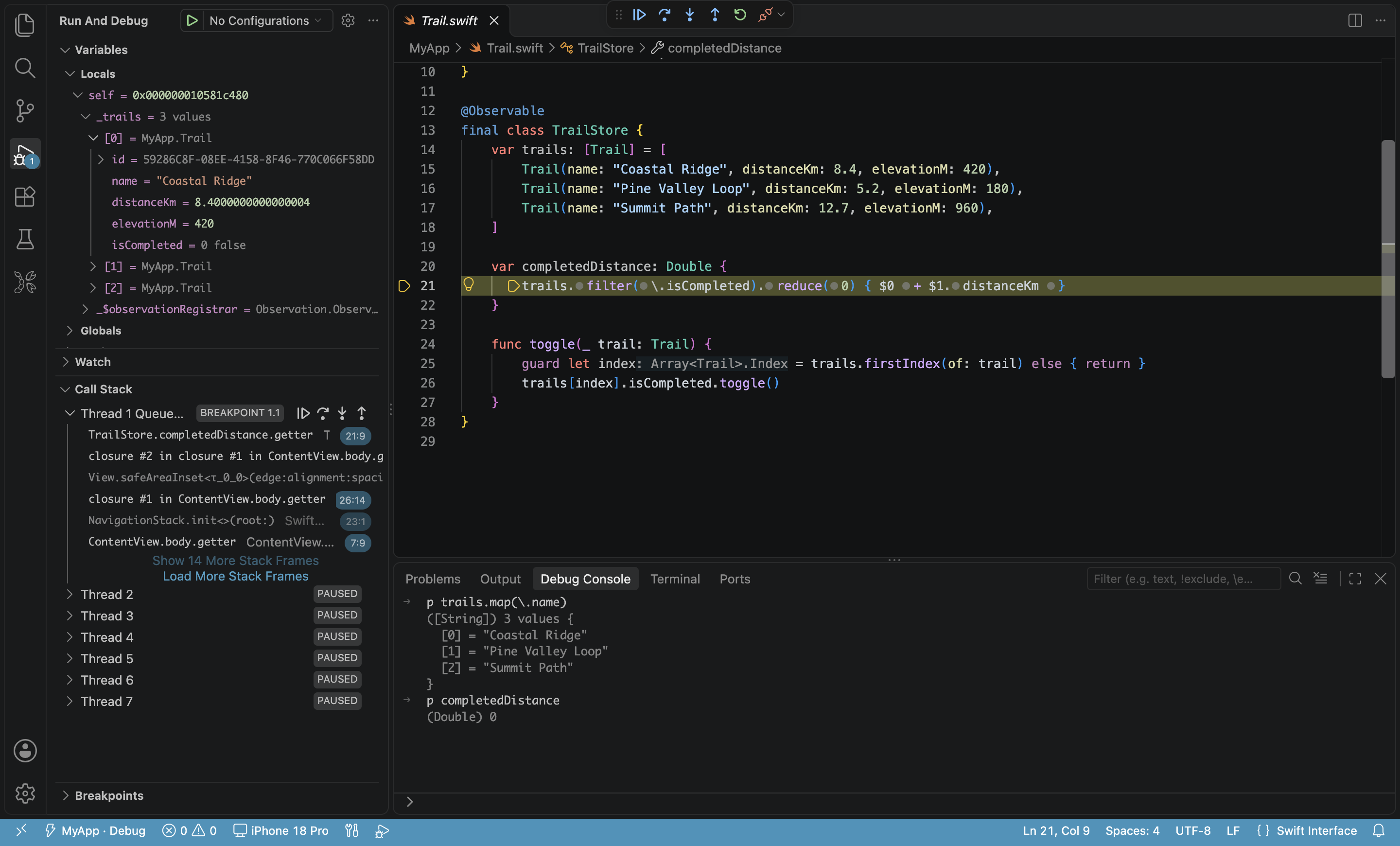
When a breakpoint hits, the Debug view on the left shows local variables and the call stack. In the debug console, type:
po self,po someArray: print an Objective-C object (calls itsdescription).bt: print the current thread’s call stack.
For third-party frameworks that ship only as binaries without source, stepping skips over their internals, the same as in Xcode.
Where does NSLog output appear?
When you debug or use Run Without Debugging, NSLog output from your Objective-C code (including logs from third-party frameworks) appears together with Swift’s print output in the kxapp Console channel of the Output panel. This works on both real devices and simulators.
FAQ
Can Objective-C projects run unit tests?
Yes. XCTest cases written in Objective-C and Swift are all listed in VS Code’s Test Explorer and can run on a simulator or iPhone. See iOS unit testing frameworks: XCTest and Swift Testing in VS Code.
Why does #import “xxx-Swift.h” say the file isn’t found?
That header is generated at build time. Build once with ⌘B, or wait for the background build the extension runs the first time it opens the project, and the error goes away.
Why do I see duplicate completions after installing the clangd extension?
Two extensions are both handling C and Objective-C files. Disable one of them, or if you want clangd to handle C / C++, remove those languages from the kxapp.swiftSourcekitLspSupportedLanguages setting.
Does it work with older pure Objective-C projects?
Yes. Any .xcodeproj or .xcworkspace that Xcode can open is supported, whether or not it uses Swift.