
Using CocoaPods in VS Code takes one extra step: run pod install once in the terminal, then open the project folder in VS Code. The free KXApp extension picks the .xcworkspace automatically, and after the first build your Pods libraries get code completion too. Press ⌘R to run on the Simulator or an iPhone and stop at breakpoints. This guide walks through each step and collects the most common CocoaPods errors and their fixes. Current as of October 2026, for Xcode 16 and later.
Before you start: Xcode is installed on your Mac and has been opened at least once, and CocoaPods is installed (pod --version prints a version number in the terminal). If you haven’t installed the extension yet, follow the install page.
Step 1: How do I run pod install?
Open a terminal in the project directory, the one that contains your Podfile (in VS Code, press ⌃` for the integrated terminal), and run:
1pod install
When it finishes, the directory contains <ProjectName>.xcworkspace and a Pods folder. Run it again whenever you change the Podfile or pull a Podfile.lock that a teammate updated.
Step 2: How do I make sure the .xcworkspace is open?
Choose File › Open Folder… and open the project directory. When a .xcworkspace and a .xcodeproj with the same name sit side by side, the extension uses the workspace, and you can see it in the Xcode Project view on the left.
Projects inside the Pods directory are never treated as your project, so you can’t pick the wrong one by accident. If the folder holds several unrelated projects, click the project row in the Xcode Project view to switch between them.
Step 3: How do Pods libraries get code completion?
The first time you open the folder, the extension runs a build in the background; you can also press ⌘B yourself. Once that build finishes:
- Lines like
import Alamofireno longer show “No such module”. - Types from your Pods show up in code completion, and F12 jumps into the Pods source.
Step 4: How do I run and debug the app?
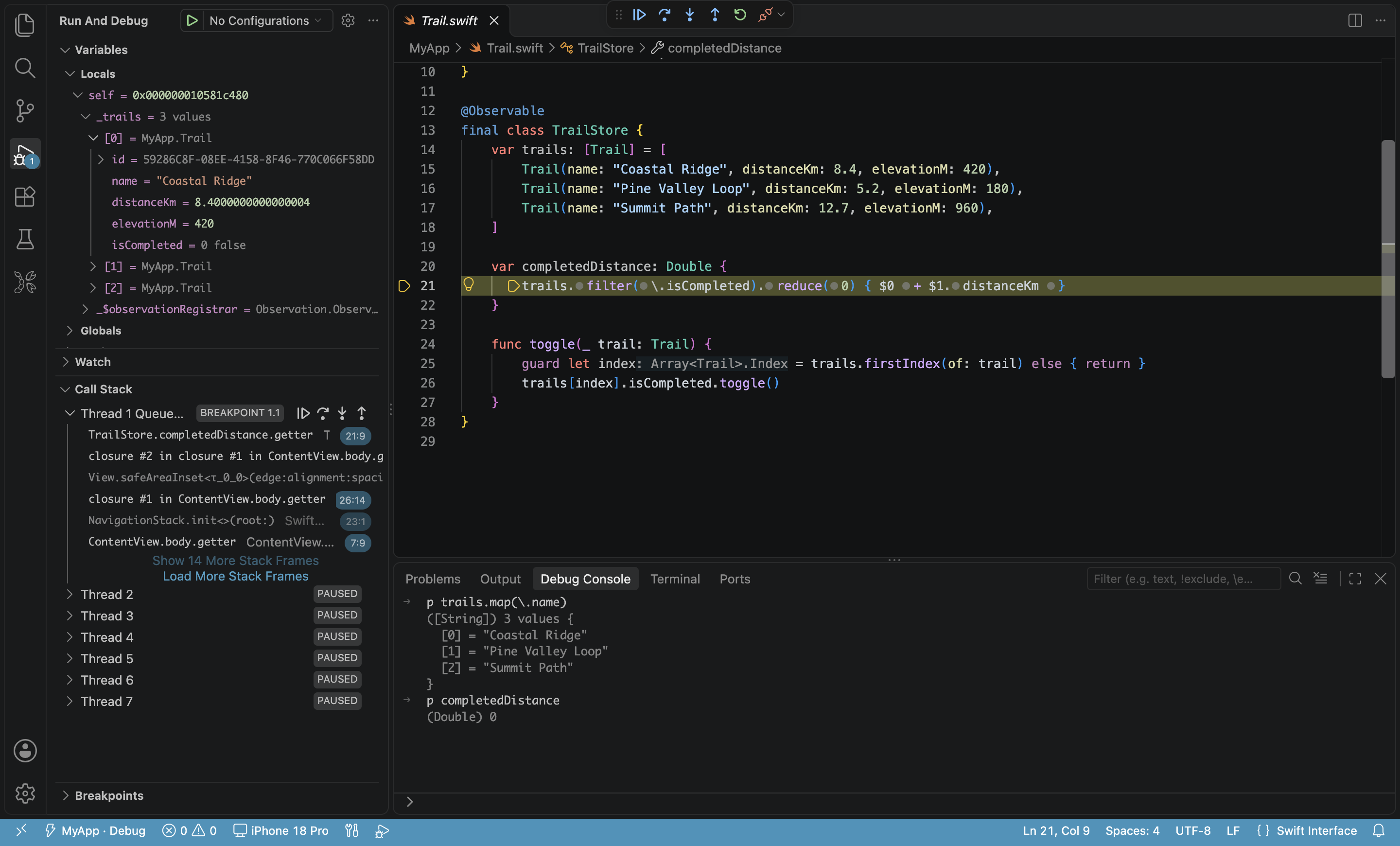
Pick a scheme and a run destination (a Simulator or a connected iPhone) in the status bar, then press ⌘R. The extension builds, installs and launches the app with the debugger attached. Breakpoints work in your own code and in the Pods source alike.
How do I fix CocoaPods build errors in VS Code?
| Symptom | Cause | Fix |
|---|---|---|
| No such module ‘Xxx’ | pod install hasn’t run, or the project hasn’t been built yet |
Run pod install, then press ⌘B to build once |
| Build can’t find headers or modules from Pods | The .xcodeproj is selected instead of the workspace |
Make sure the .xcworkspace is selected in the Xcode Project view |
| The sandbox is not in sync with the Podfile.lock | Podfile.lock changed but Pods weren’t reinstalled |
Run pod install and build again |
Edited the source of a local Pod (referenced with :path =>), completion didn’t update |
Changes inside dependencies don’t refresh completion on their own | Press ⌘B to build once |
| You suspect stale build products | — | Use Clean Build Folder from the “…” menu in the Xcode Project view title bar, then build again |
See Troubleshooting for more.
Can I keep using CocoaPods now that it’s winding down?
The CocoaPods team has announced that the central repository (trunk) will become read-only. Versions already published can still be installed, but no new versions will be released. For new dependencies, prefer Swift Package Manager; KXApp supports code completion, building and debugging for Swift packages as well, and your existing CocoaPods projects keep building and running in VS Code as before.
FAQ
Do I have to open the .xcworkspace?
Yes, a CocoaPods project has to be built through its workspace. Just open the project folder and the extension selects the workspace for you; there’s no file to pick by hand.
Do I need to run pod install every time I open the project?
No. You only need it when the Podfile or Podfile.lock changes, or when the Pods directory is missing.
Should the Pods directory go into .gitignore?
That’s a team convention and has nothing to do with VS Code. The buildServer.json the extension writes at the root of the opened folder can go into .gitignore.
Does a project that mixes CocoaPods and Swift packages work?
Yes. After one build, both kinds of dependencies have code completion, and building and debugging work the same way.